 FREE SHIPPING on all items, within the contiguous 48 states.

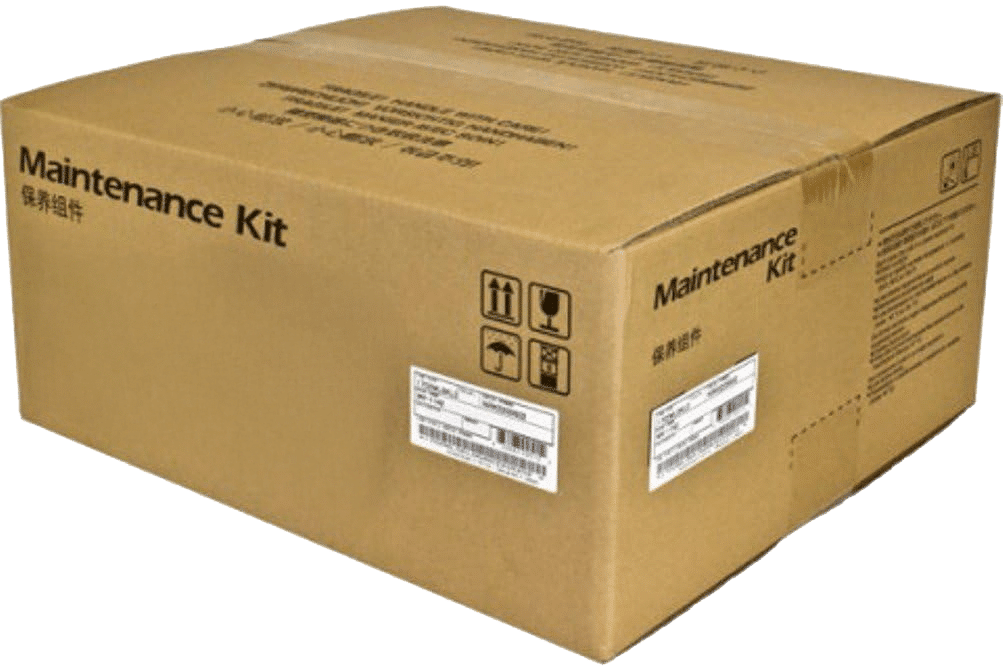

Kyocera MK-8830B Color Imaging Maintenance Kit
Maintain consistent professional color output in compatible high-volume Kyocera TASKalfa systems with the Genuine Kyocera MK-8830B Maintenance Kit.
The MK-8830B is specifically designed to service the printer’s cyan, magenta, and yellow imaging systems. As a high-volume color multifunction system accumulates hundreds of thousands of images, its drum and developer components naturally wear. Replacing these components at the recommended maintenance interval helps maintain accurate color reproduction, consistent image density, and dependable long-term printer performance.
Product Information
- Manufacturer: Kyocera
- Model: MK-8830B
- Alternate Search: MK8830B
- Product Type: Color Imaging Maintenance Kit
- Maintenance Interval: Approximately 600,000 images
- Condition: Genuine Kyocera OEM
- Quantity: 1 complete maintenance kit per unit ordered
Compatible Kyocera Printers
The MK-8830B is designed for:
- Kyocera TASKalfa MZ7500ci
- Kyocera TASKalfa MZ8500ci
- Kyocera TASKalfa MZ9500ci
Maintenance Kit Services
Kyocera identifies the MK-8830B as the maintenance kit for the machine’s color imaging units.
The kit services the cyan, magenta, and yellow imaging system, including:
- Color drum units
- Color developer units
Kyocera specifies an approximate maintenance life of 600,000 images for both the color drum and developer components.
What Does the MK-8830B Do?
Color drum and developer components play a major role in creating the cyan, magenta, and yellow portions of every color image.
As these components wear, users may begin to notice changes in image quality or color consistency.
Replacing the MK-8830B at the recommended interval can help:
- Maintain accurate color reproduction
- Maintain consistent image density
- Reduce streaking and fading
- Reduce color-related image defects
- Maintain proper toner development
- Support consistent output across long production runs
- Reduce downtime caused by worn imaging components
- Maintain reliable high-volume color performance
Important MK-8830A vs. MK-8830B Difference
The MK-8830 series is divided into two maintenance kits:
MK-8830A services the:
- Black imaging system
- Fuser
- Intermediate transfer unit
- Secondary transfer unit
- Filters
- Paper-feed roller
MK-8830B services the:
- Cyan imaging system
- Magenta imaging system
- Yellow imaging system
- Color developer components
This distinction is important when ordering maintenance supplies for the TASKalfa MZ7500ci, MZ8500ci, and MZ9500ci.
600,000-Image Maintenance Interval
Kyocera specifies approximately 600,000 images for the MK-8830B color imaging components.
This figure is a recommended maintenance-life interval rather than a guaranteed page yield. Actual component life may vary depending on page coverage, color usage, media type, environmental conditions, job size, and overall machine operation.
Professional Installation Recommended
Because the MK-8830B contains major internal color imaging components, installation by a qualified Kyocera service technician is recommended.
Proper installation, calibration, and applicable service-mode procedures help ensure correct operation and consistent color reproduction after replacement.
Genuine Kyocera Components
Using genuine Kyocera maintenance components helps provide proper fit, consistent color quality, dependable toner development, and correct interaction with the printer’s imaging system.
Product Information Disclaimer
Product Information Disclaimer: Specifications and product information are approximate and subject to change due to ongoing manufacturer improvements. Information shown is based on the most current manufacturer data available at the time of publication.
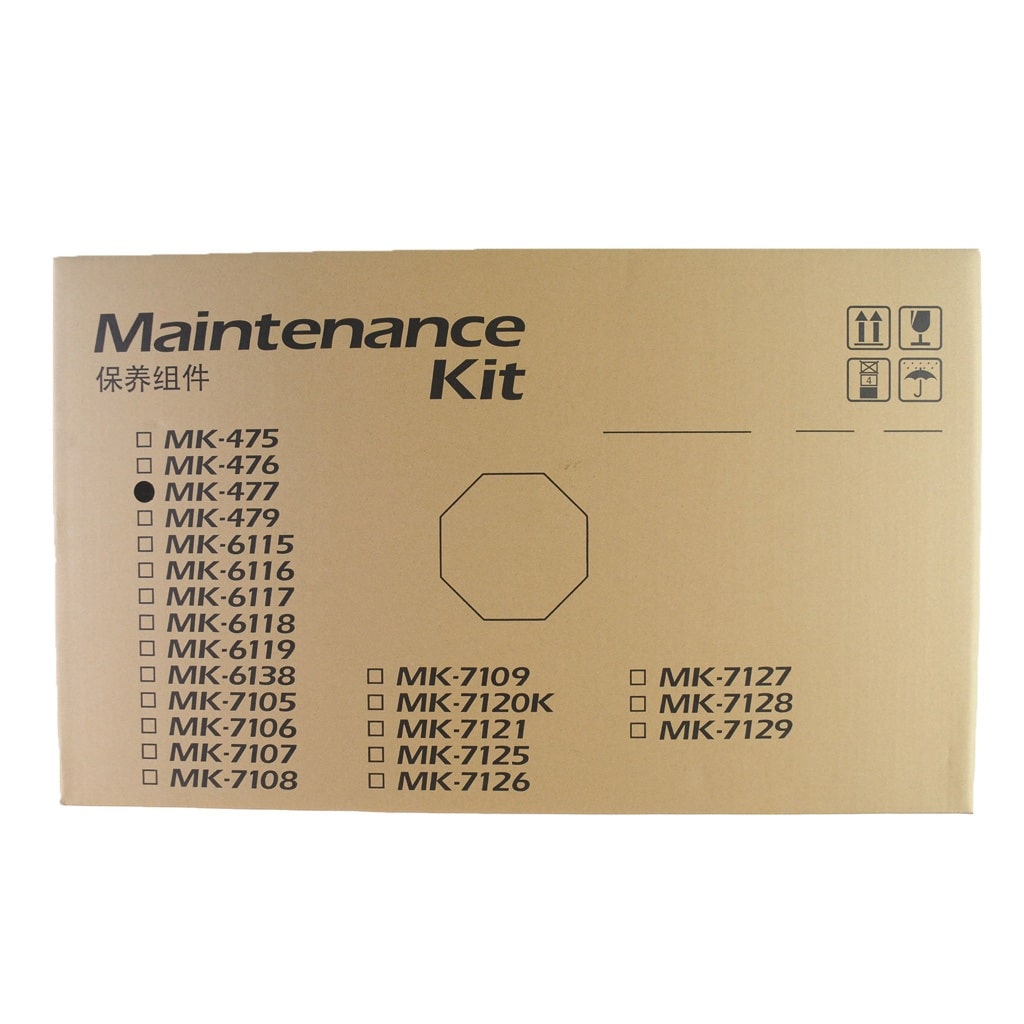
Product photos are for illustration purposes only. Manufacturers may change product packaging, labeling, appearance, or included packaging materials from time to time without notice. The product received may therefore differ slightly in appearance from the image shown while remaining the correct manufacturer part number and item ordered.
Please review our Return Policy in the Terms and Conditions before purchasing.