FREE SHIPPING on all items, within the contiguous 48 states.
![Kyocera PCL Barcode Flash 3.0 (Type D) [855D200653]](https://yourprintertonerstore.com/wp-content/uploads/sites/7/2022/03/855D200653_PCL_Barcode_Flash_3.png)

Kyocera PCL Barcode Flash 3.0 (Type D) 855D200653
Description:
With its outstanding flexibility and cross-platform effectiveness, the KM PCL Barcode Flash feature helps you reduce your expenditure on barcode printing by giving you access to the unbeatably low cost-per-page of Kyocera Mita printers and multifunctional systems.
Thanks to its Compact Flash card format the Kyocera PCL Barcode Flash can be used with any Kyocera printer or multi-functional device equipped with a Compact Flash slot, giving you the freedom to decide whether you want to print with your desktop printer or your high end multi-functional system. Even in the unlikely event of a failure in your primary barcode printer, you can simply move the Kyocera PCL Barcode Flash card to another printer and continue the barcode print job.
- Enhance the efficiency of your warehousing and distribution by exploiting barcode systems to track every item, without overspending on barcode printing.
- Save time and money by using machine-readable fonts (such as OCR-A, OCR-B) on freight papers and circulation documents which can be scanned and digitized fast and easily.
- Enhance the effectiveness of your book-keeping resources by printing account information directly on invoices using data-rich 2D barcodes, simply scan the barcode to access key information immediately.
KYOCERA PCL BARCODE FLASH 3.0 855D200653
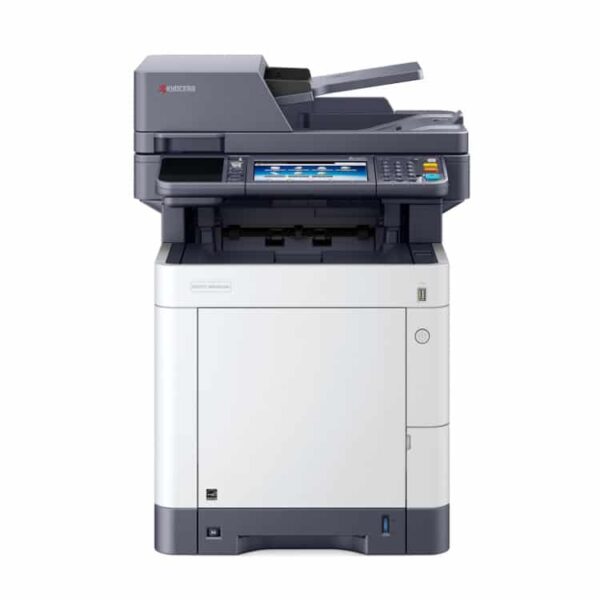
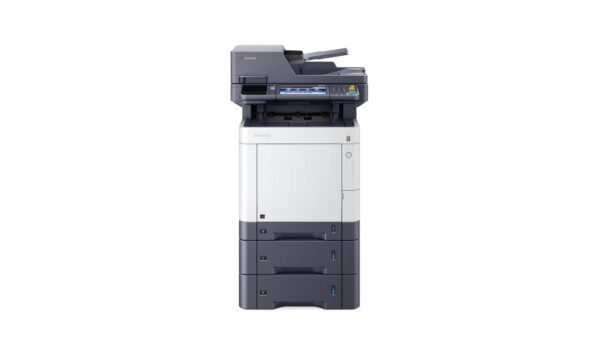
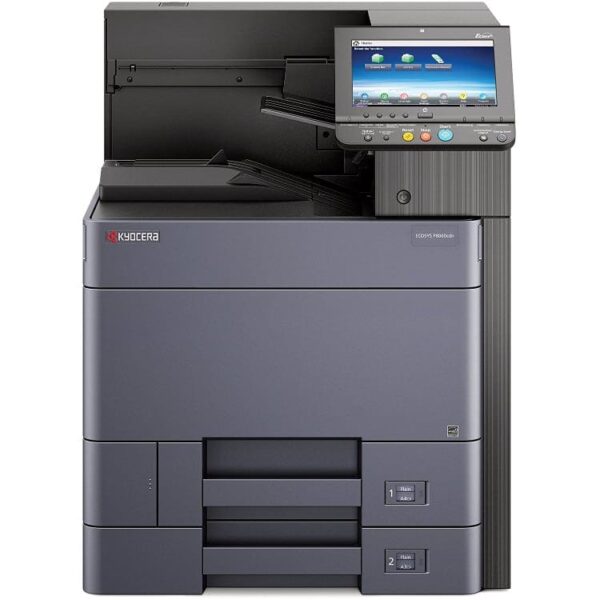
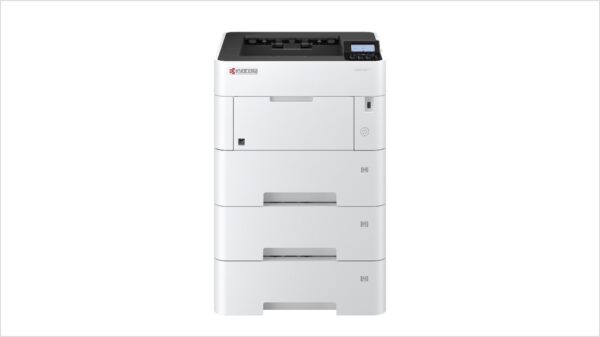
Works with Kyocera Printers:
- P3145dn
- P3150dn
- P3155dn
- P3260dn
- M3145idn
- M3645idn
- M3655idn
- M3860idn
- M3860idnf
- Many, many more – Not sure if the PCL Barcode is right for your printer? Check out the Kyocera Product Configurator (search on line) Click here: Kyocera Product Configurator