 FREE SHIPPING on all items, within the contiguous 48 states.



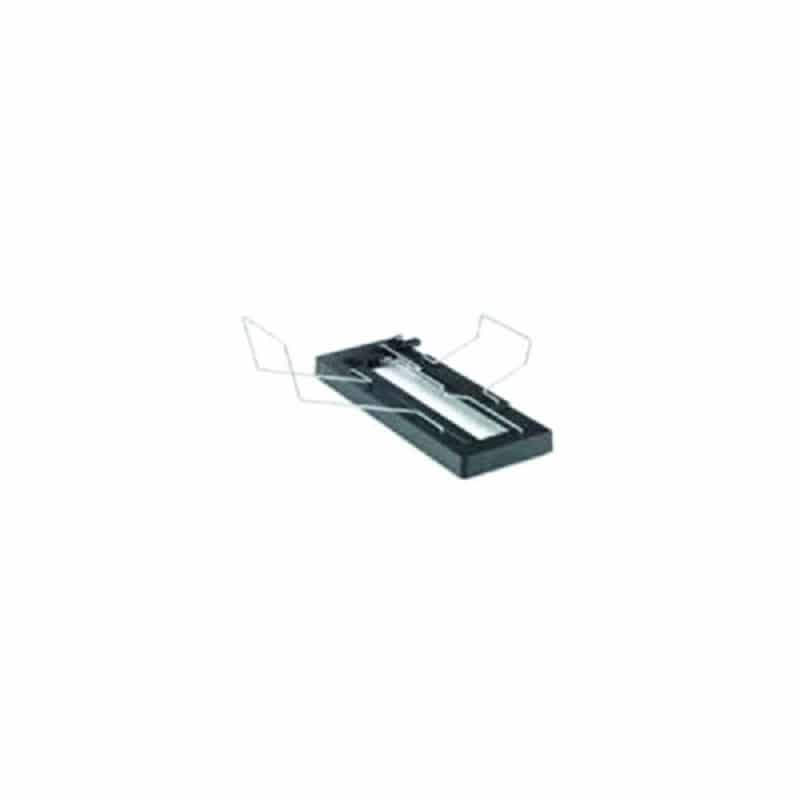
Kyocera PH-7200 Hole Punch Unit – 1203VM2US0
Add professional hole-punch finishing to compatible Kyocera TASKalfa systems with the Genuine Kyocera PH-7200 Hole Punch Unit.
Designed for use with the Kyocera DF-7200 and DF-7210 finishers, the PH-7200 allows printed documents to be automatically hole-punched as part of the finishing process, helping reduce manual document preparation and improve workflow efficiency.
The PH-7200 supports 2-hole, 3-hole, and 4-hole punching, depending on printer configuration and paper size.
Product Information
- Manufacturer: Kyocera
- Model: PH-7200
- Alternate Search: PH7200
- Kyocera Part Number / SKU: 1203VM2US0
- Product Type: Hole Punch Unit / Finishing Accessory
- Punch Capability: 2-hole, 3-hole, and 4-hole
- Supported Paper Sizes: 5.5″ × 8.5″ through 13″ × 19.2″
- Supported Paper Weight: 52–300 gsm
- Condition: Genuine Kyocera OEM
- Quantity: 1 punch unit per unit ordered
Compatible Finishers
The PH-7200 is designed for use with:
- Kyocera DF-7200 4,000-Sheet Finisher
- Kyocera DF-7210 4,000-Sheet Finisher
The PH-7200 installs as an option within the compatible finisher and is not intended to operate as a standalone accessory.
Compatible Kyocera TASKalfa Systems
The PH-7200 is available for compatible configurations of:
- Kyocera TASKalfa MZ7500ci
- Kyocera TASKalfa MZ8500ci
- Kyocera TASKalfa MZ9500ci
- Kyocera TASKalfa MZ7500i
- Kyocera TASKalfa MZ8500i
- Kyocera TASKalfa MZ9500i
- Kyocera TASKalfa MZ10500i
Compatibility depends on the machine being configured with the appropriate DF-7200 or DF-7210 finisher.
Professional Finishing
The PH-7200 allows organizations to produce ready-to-file or ready-to-bind documents directly from the printer.
It can help automate preparation of:
- Reports
- Presentations
- Manuals
- Training materials
- Financial documents
- Administrative packets
- Multi-page business documents
Punching Options
Depending on the installed system configuration, the PH-7200 supports:
- 2-hole punching
- 3-hole punching
- 4-hole punching
Punch location can be selected through supported driver and finishing settings, allowing the punch position to match the intended document orientation and filing method.
Why Add a Hole Punch Unit?
Adding automatic punching can help:
- Reduce manual document handling
- Improve consistency across large jobs
- Save staff time
- Prepare documents for binders immediately after printing
- Improve professional presentation
- Streamline high-volume document workflows
Genuine Kyocera Accessory
Using the genuine Kyocera PH-7200 helps ensure proper fit, communication, and integration with compatible DF-7200 and DF-7210 finishing systems.
Professional installation is recommended because the punch unit is installed within the finisher assembly.
Product Information Disclaimer
Product Information Disclaimer: Specifications and product information are approximate and subject to change due to ongoing manufacturer improvements. Information shown is based on the most current manufacturer data available at the time of publication.
Product photos are for illustration purposes only. Manufacturers may change product packaging, labeling, appearance, or included packaging materials from time to time without notice. The product received may therefore differ slightly in appearance from the image shown while remaining the correct manufacturer part number and item ordered.
Please review our Return Policy in the Terms and Conditions before purchasing.